
Number
Pick your number in the first minute
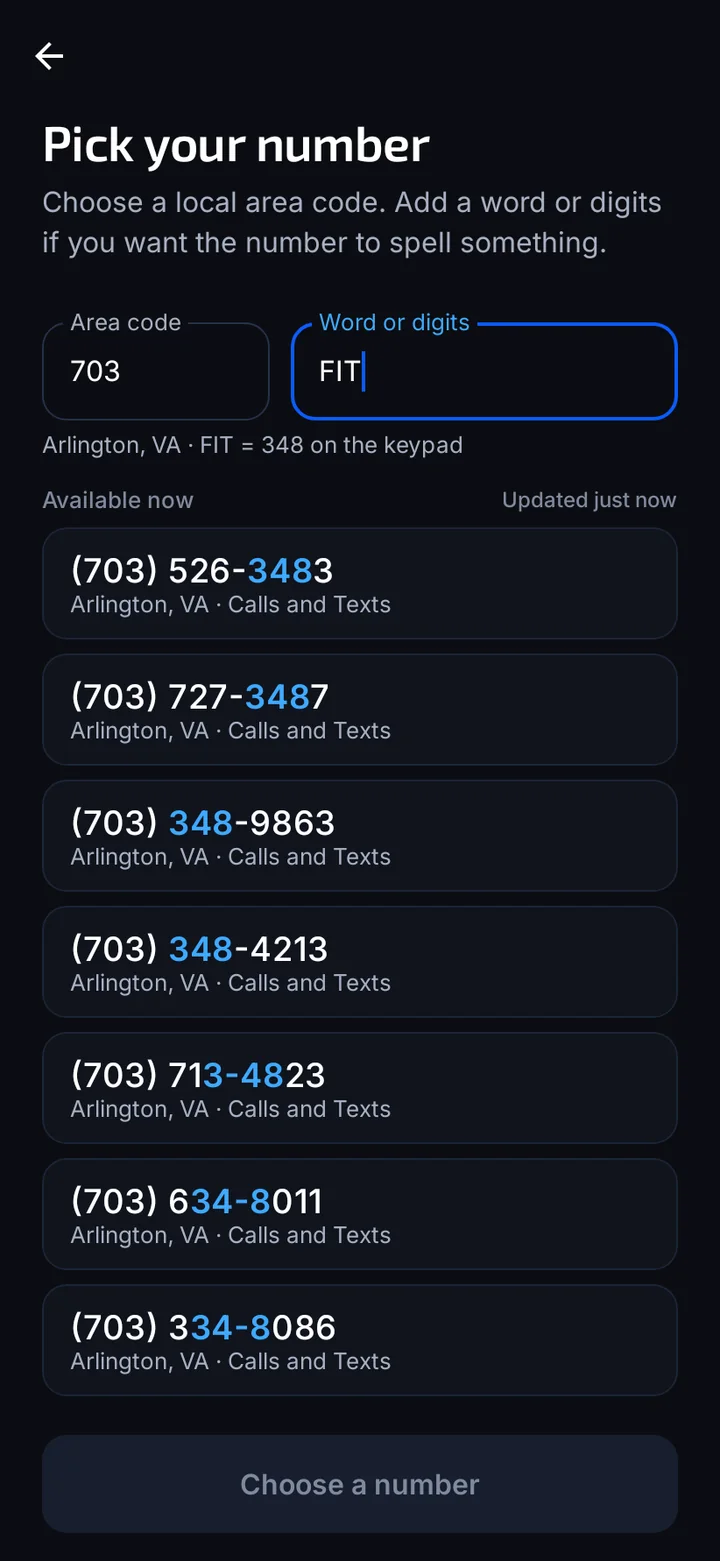
Choose an area code, add a word or digits if you want the number to spell something, and claim it from a live list.
From the NEX-GEN™ family
NexGenReply.ai™ is a business phone for Android with an open socket for AI agents. Calls, texts and voicemail on a second number, built to ring when it should and stay quiet when it shouldn't.
Each card below is the real behavior, drawn live in your browser.
Choose an area code, add a word or digits if you want the number to spell something, and claim it from a live list.
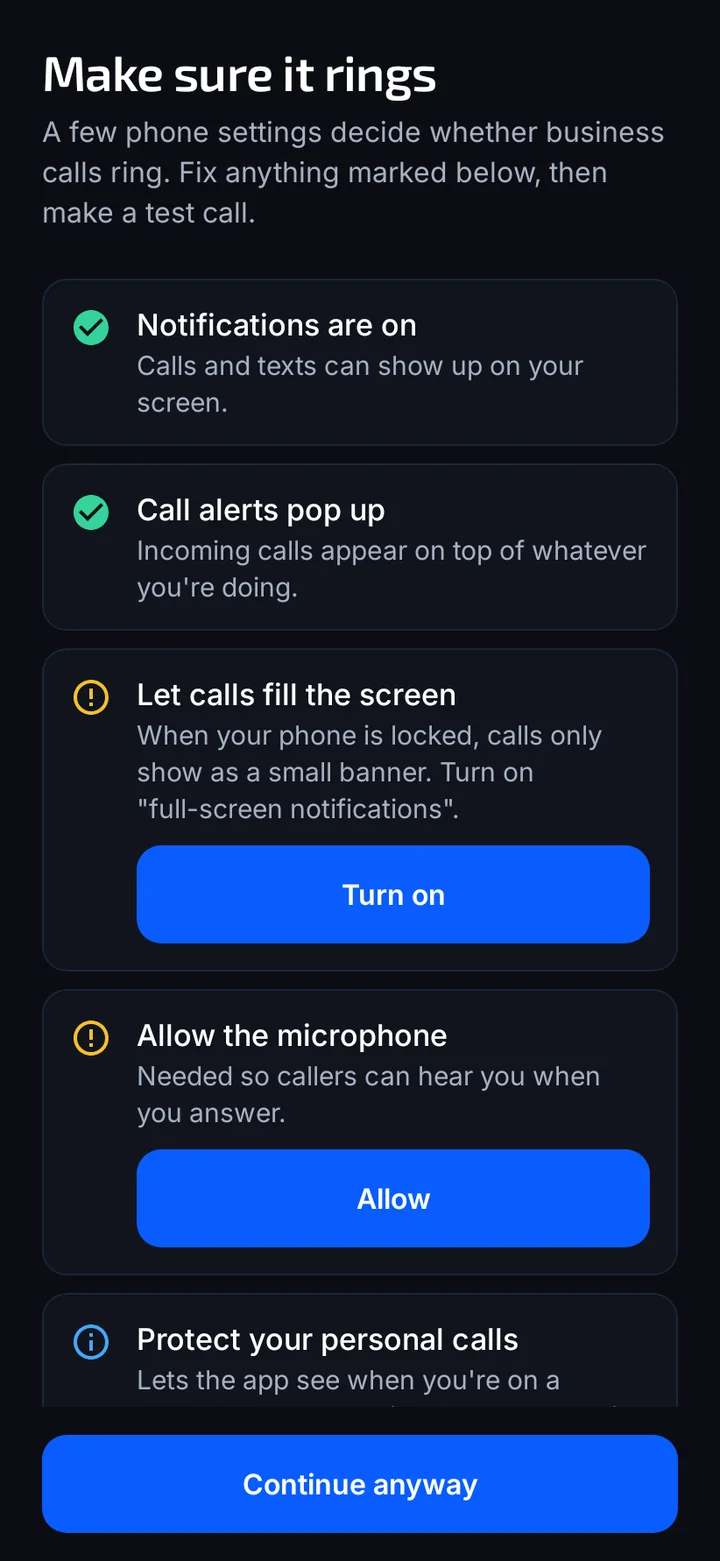
The app has to confirm it is ringing. If it doesn't, the call rings your regular cell line, with a press-1 prompt so your personal voicemail never picks up a business call.
Your SIM line is never touched. If you are already on a personal call, a business caller goes to your agent or voicemail instead of ringing over it.
Connect ElevenLabs, a model running on your own hardware, a custom HTTP agent, or any voice agent with a SIP address or phone number. Switching is a setting, not a rebuild.
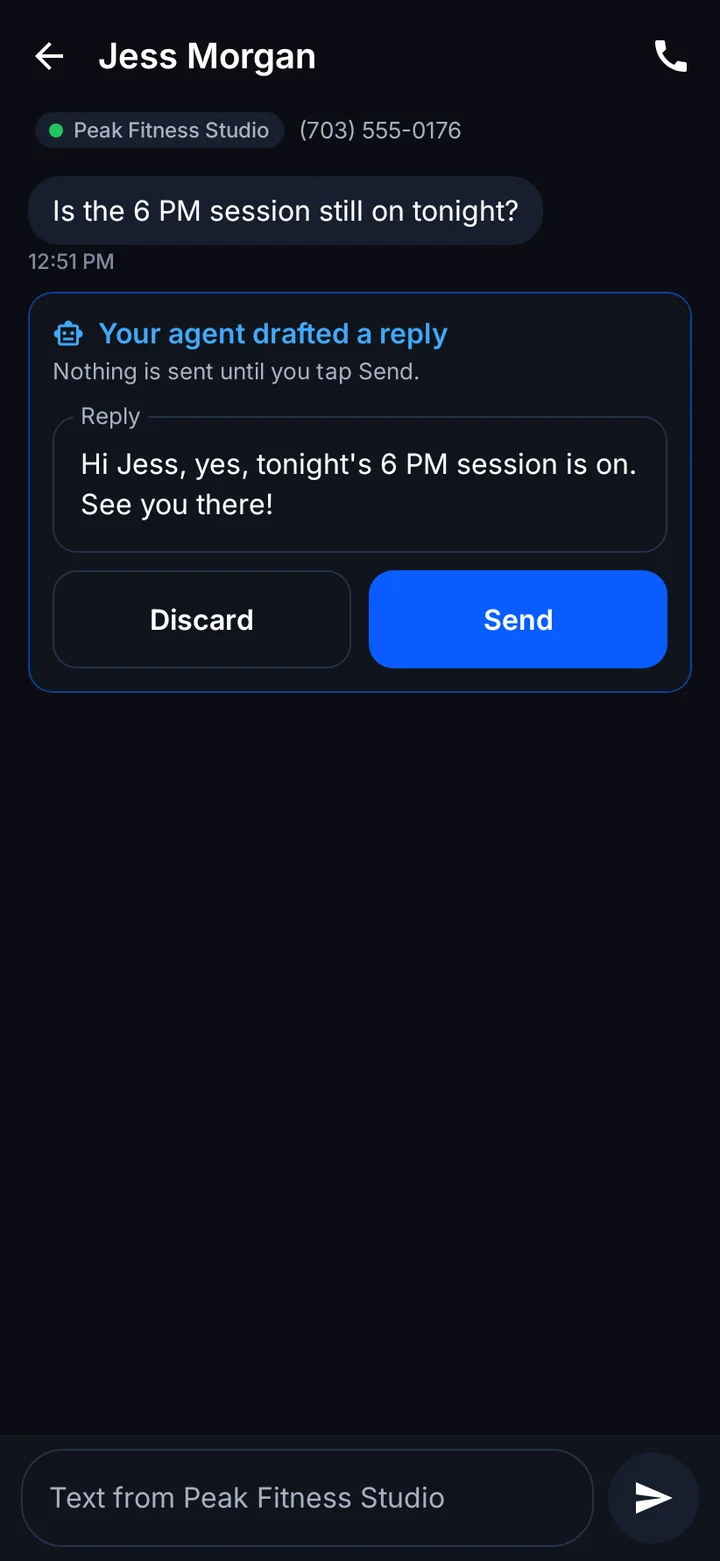
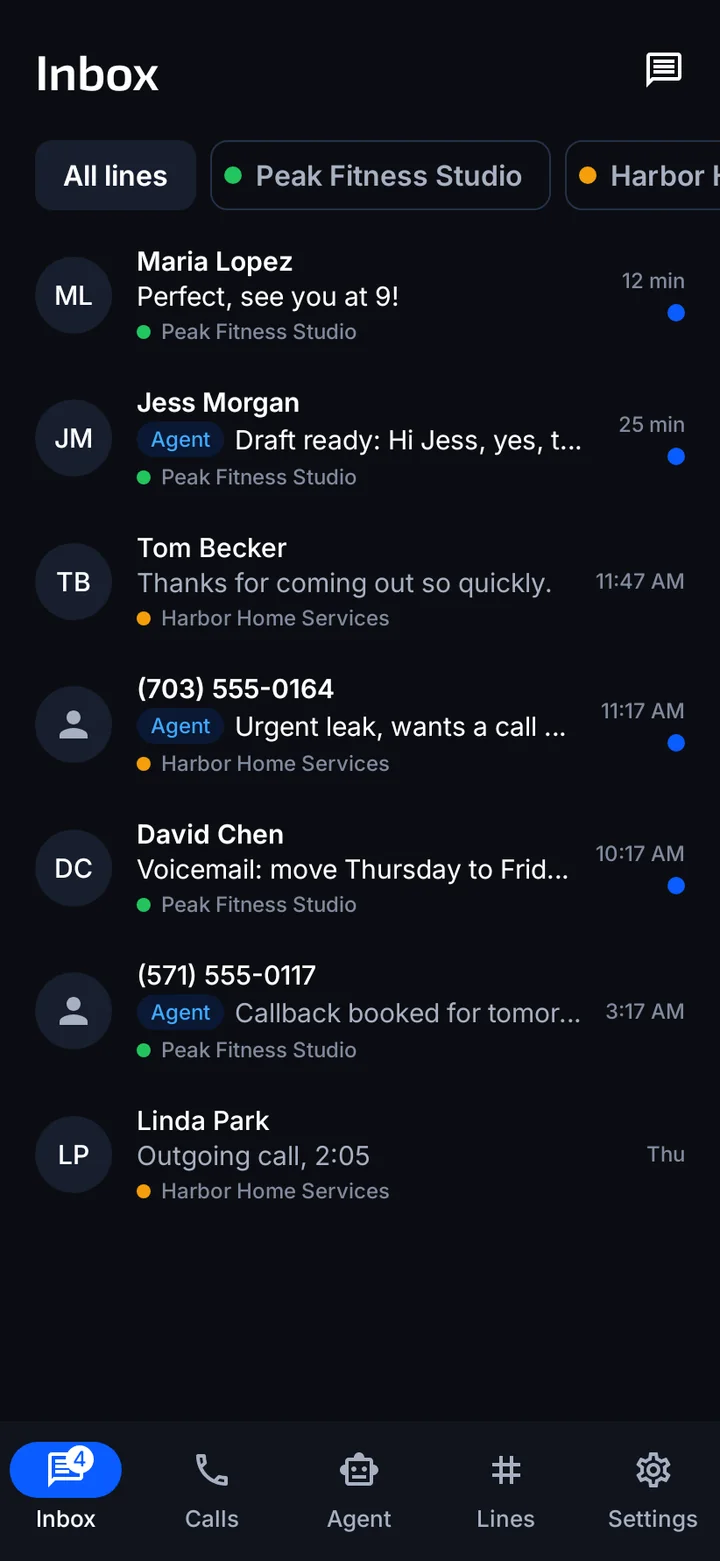
Each line has its own number, name, color, hours and agent. Calls, texts, voicemail and what the agent handled land in one timeline, and agent-written texts can wait for your approval.
API keys, signed webhooks and an MCP server let your other tools run your phone. Connectors let your agent use your tools: your CRM, your calendar, your own server.
The agent is a plug-in, not a lock-in. NexGenReply.ai handles the number, the ringing, the routing and the inbox. The agent you connect handles the conversation, with the context it needs: who is calling, which brand, your hours, and what you have told it about the business.
Your software, your models and your hardware, with as little friction as possible.
An MCP server lets AI tools that speak the Model Context Protocol read conversations, send texts, pull call summaries and change routing, within the scopes you grant.
Signed webhooks for calls, texts, voicemail and agent activity, plus API keys with scopes. Use them from n8n, Zapier, Make or your own code.
Add your own MCP servers or HTTP endpoints as tools the agent may use during a call or a text, switched on line by line.
Point text replies at any OpenAI-compatible endpoint, including a model running on your own machine.
Connect a self-hosted realtime voice agent over a media stream or a SIP address.
Add a desk phone, a softphone or a PBX extension to ring alongside the app.
Area code first, a word or digits if you like. Name the line and give it a color.
A short check walks through the phone settings that decide whether calls ring, then proves it with a test call.
Connect the agent you want and choose when it answers. Without one, missed calls go to voicemail.
No. The business line lives in an app on the Android phone you already have. Your SIM and your personal number stay exactly as they are.
No. Your personal number is not forwarded, ported or changed. Only calls and texts to the business number go through NexGenReply.ai.
No. It works as a plain second line with calls, texts and voicemail. The agent is optional, and you choose when it answers.
The app is being built with an open agent socket. ElevenLabs is the first built-in option. Any OpenAI-compatible model can handle texts, including one on your own machine, and any voice agent with a SIP address, a phone number or a media stream can take calls.
If the agent provider you connect supports voice cloning and you have recorded your consent with them, yes. NexGenReply.ai does not clone voices itself.
Not yet. The Android app is in development. Join the early access list and you will hear from me before it opens.
Pricing is not set. I will publish it before anyone is asked to pay.
Use your phone's regular dialer for 911. Details on emergency calling from the business line will be published before launch.
Leave your email and I'll write when early access opens. A few emails at most, straight from me.